Playing with keyboard shortcuts is very interesting and reduce the headache of using the mouse again and again while programming with visual studio IDE. Actually, keyboard shortcuts also enhance your productivity and make your programming life easy and convenient. So, I decided to share a list of top 10 visual studio keyboard shortcuts that's are amazing and very helpful. For more shortcuts refer the article Visual Studio Useful Keyboard Shortcut Keys.
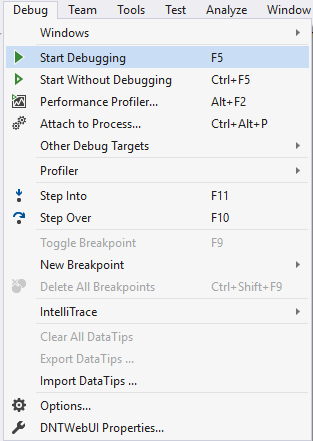
F5 & Ctrl-F5
F5 is used to start your project in debug mode and Ctrl-F5 is used to start your project without debug mode.
F7 & Shift-F7
F7 is used to show code view of your webpage.
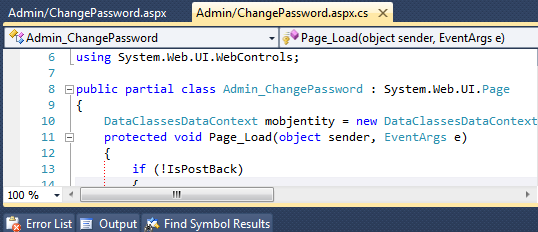
Shift-F7 is used to show design view of your webpage.
F6 / Shift-F6 / Ctrl-Shift-B
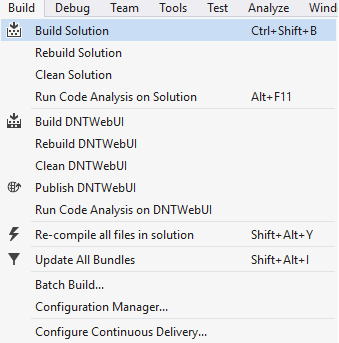
All of the above shortcuts are used to build the project or solutions.
Ctrl-Shift-A & Alt-Shift-A
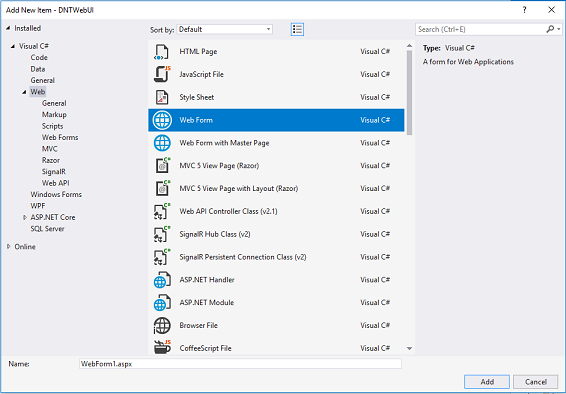
Ctrl-Shift-A is used to add new item to your project.
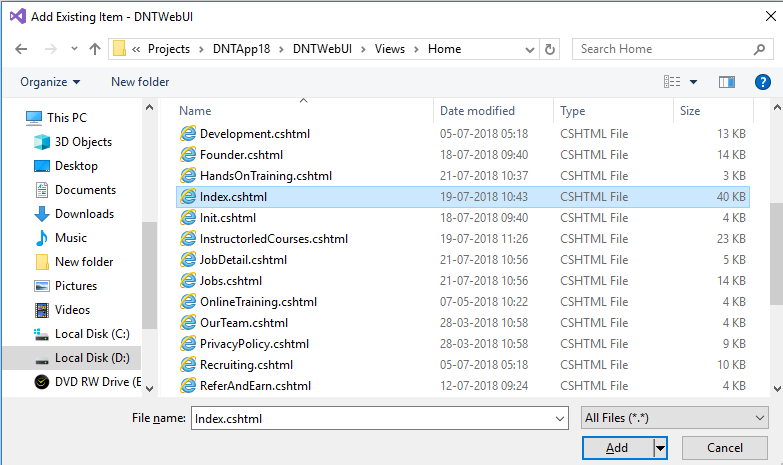
Alt-Shift-A is used to add existing item to your project.
Ctrl-K + Ctrl-C & Ctrl-K + Ctrl-U
Ctrl-K + Ctrl-C is used to do comment a selected block of code.
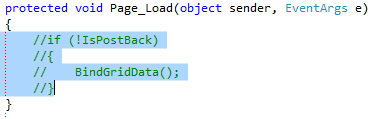
Ctrl-K + Ctrl-U is used to do uncomment a selected block of code.

Ctrl-M + Ctrl-O & Ctrl-M + Ctrl-P
Ctrl-M + Ctrl-O is used to collapse all code to definitions.
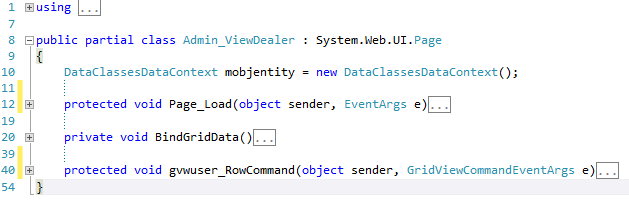
Ctrl-M + Ctrl-P is used to expand all code.
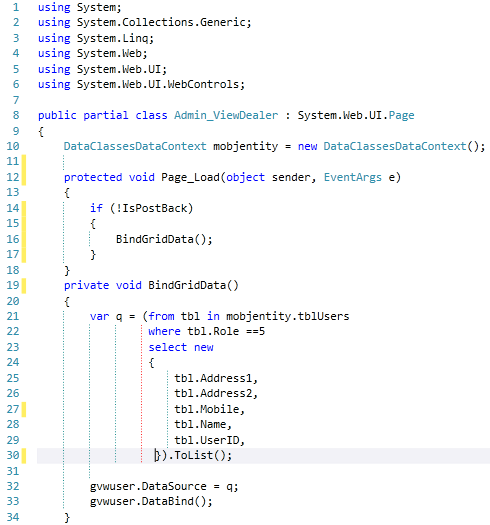
Ctrl-K + Ctrl-S & Alt-Shift-Arrow(Right,Left,Bottom,Top)
Ctrl-K + Ctrl-S is used to surrounded a block of code to an specific block or control.
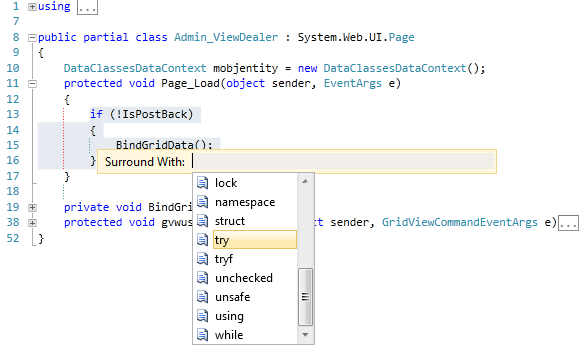
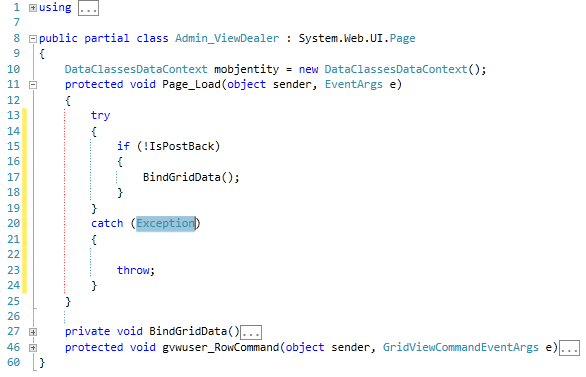
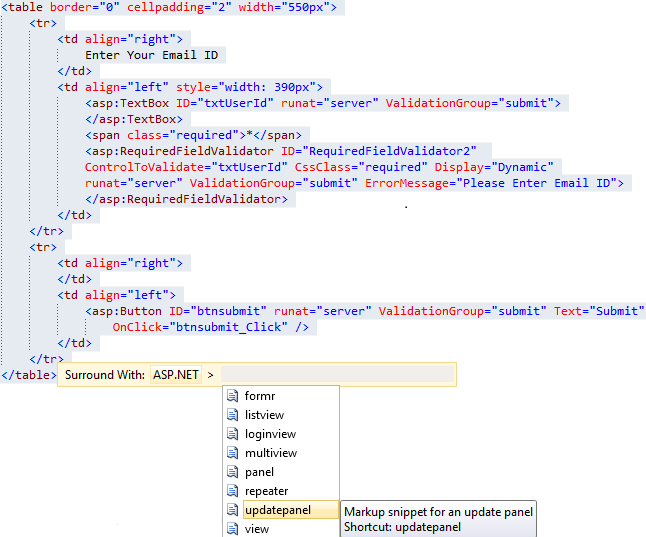
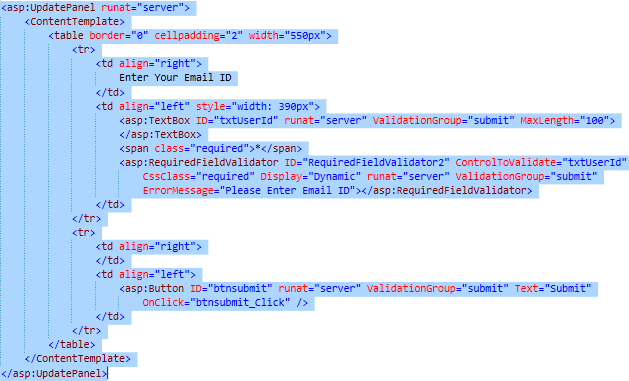
Alt-Shift-Arrow(Right,Left,Bottom,Top) are used to copy, paste, write vertically as shown in fig.

Ctrl-(+) + Ctrl-. & F12
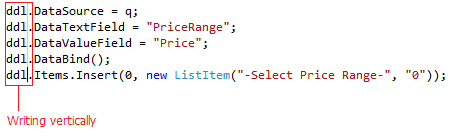
Ctrl-(+) + Ctrl-. is used to display smarttag under the red line that provides the options for fixing the code problem.
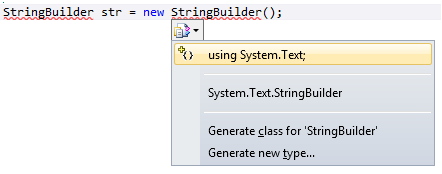
F12 is used to navigate to the definition of an instance, variable, class etc.
Ctrl-Shift-F, Ctrl-F & Ctrl-H
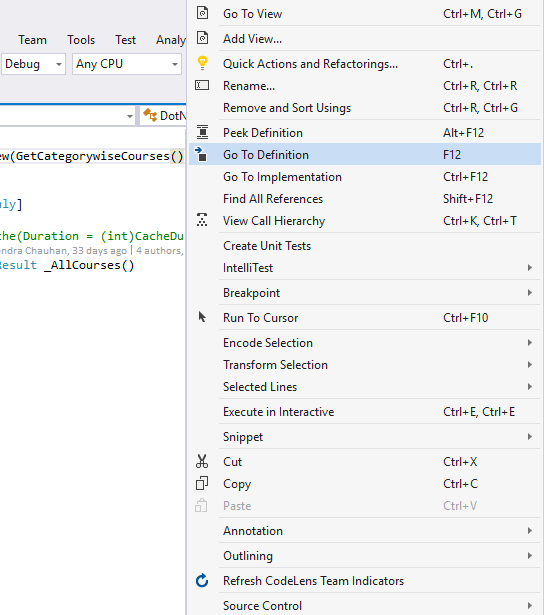
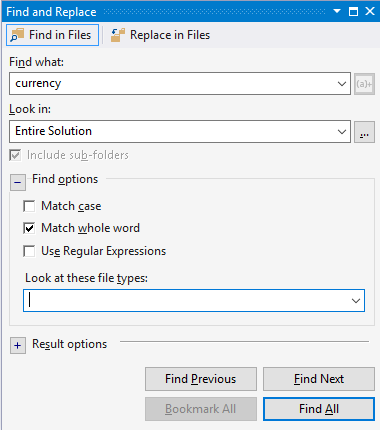
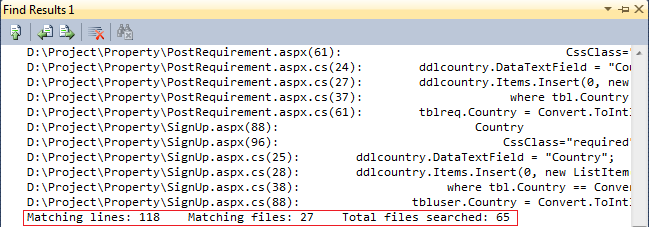
Ctrl-Shift-F is used to find all the ocuurance of a string with in entire solution and display find result window as shown below.
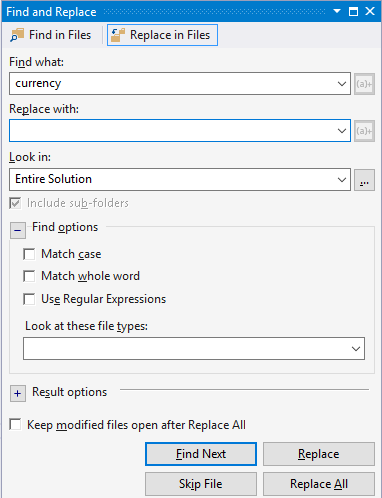
Ctrl-F is used to find a string in the current document, project and all open documents one by one. Ctrl-H is used to replace a string by a new string in current document, project and entire solution as you want to replace.
F4 & Ctrl-Alt-L
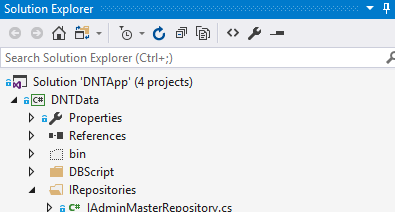
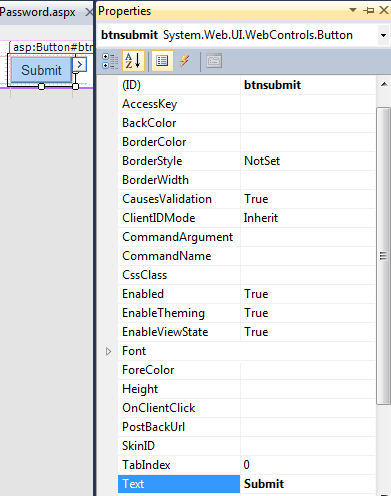
F4 is used to show property window.
Ctrl-Alt-L is used to show solution explorer.